Leading Hybrid Teams: Key Concepts & What You Need to Know
Master the strategies for creating equity, maintaining connection, and driving performance when your team works across office and remote locations.
by The Loxie Learning Team
The hybrid team isn't a temporary arrangement—it's the new operating reality. Yet most leaders are managing distributed teams with co-located instincts, creating invisible inequities that erode trust, limit talent, and produce two-tier teams where physical presence determines opportunity. The stakes are high: get hybrid leadership wrong, and you'll lose your best remote talent while your office workers wonder why collaboration feels so broken.
This guide breaks down the essential concepts for leading hybrid teams effectively. You'll learn to identify and eliminate proximity bias, design meetings where remote participants are equal contributors, master both synchronous and asynchronous collaboration, and build team culture that transcends physical location. These aren't nice-to-have skills—they're the new leadership imperative for anyone managing teams where "together" no longer means the same room.
 Start practicing hybrid leadership ▸
What is proximity bias and how does it damage hybrid teams?
Proximity bias is the unconscious tendency to favor employees who are physically present, manifesting in what researchers call "hallway promotions"—opportunities given to office-present employees through informal conversations, decisions made after meetings end without remote participants, and high-visibility projects assigned primarily to those who are physically seen. This bias operates through availability heuristics: we naturally think of people we see when opportunities arise.
The damage is measurable. Track your team's assignment patterns monthly: if 70% of stretch projects go to office workers when your team is 50/50 hybrid, you have quantifiable bias requiring correction. Remote employees report feeling blindsided by decisions they could have influenced if they'd known discussions were happening. The "coffee line conversation trap" creates knowledge gaps where updates about reorganizations, project changes, or leadership thinking flow through physical spaces, leaving remote workers perpetually behind.
Loxie helps leaders internalize these bias patterns so they can recognize and interrupt them in real-time. Understanding proximity bias intellectually is the first step—but remembering to check for it when you're in the middle of a busy week requires the kind of retention that only comes from active practice.
How do visibility boards prevent proximity bias?
Visibility boards listing all high-profile projects with assigned owners—updated weekly and reviewed in team meetings—make opportunity distribution transparent and challengeable. When everyone sees who gets stretch assignments, proximity bias becomes harder to sustain because patterns become undeniable. This shifts conversations from "Why didn't I get that opportunity?" to "I see the pattern and I'd like to be considered for the next one."
The key is making these boards truly public and discussing them regularly. A visibility board that exists but isn't reviewed becomes decoration rather than intervention. Active discussion creates accountability and enables team members to advocate for themselves based on data rather than suspicion.
What does "document or it didn't happen" mean for hybrid teams?
Converting hallway conversations to written updates within 24 hours transforms informal information into shared knowledge. Posting "FYI from coffee chat with Sarah: exploring Q4 budget increase for training" in team channels ensures remote workers access the same context as office workers. The 24-hour rule creates urgency while memories are fresh.
Documentation feels like overhead, but it's actually equity infrastructure. Making this a team norm rather than individual choice ensures consistency and prevents selective sharing. When documentation becomes expected behavior, the information asymmetry that undermines remote workers begins to dissolve.
Practice these concepts in Loxie ▸
How do you design meetings where remote participants are equal contributors?
Remote-first meeting design means everyone joins from their own device with their own audio—even when five people are in the same conference room, each uses their laptop rather than huddling around one screen. This eliminates the "conference room advantage" where co-located participants dominate through body language, side conversations, and the natural momentum of physical presence. Each participant appearing in their own video tile makes everyone equally visible for non-verbal reactions and engagement.
The conference room creates an inner circle through subtle advantages—ability to whisper, read body language immediately, and jump into conversation gaps more easily. Individual devices level the playing field by giving everyone equal presence and voice. This structural choice prevents two-tier participation before facilitation even begins.
Why does structured turn-taking matter for hybrid meetings?
Structured turn-taking using explicit name calling—"Sarah, what's your perspective? Then we'll hear from Marcus"—prevents remote participants from competing with conference room crosstalk. Physical presence creates conversational advantages through immediate voice projection and visible gestures to claim speaking turns. Structured facilitation compensates by creating explicit speaking opportunities.
Calling on remote attendees first reverses the natural advantage of physical presence and ensures their voices shape initial discussion direction. This prevents anchoring on in-room perspectives that can dominate when remote participants must fight to be heard. The pattern becomes: remote voices first, then room voices, ensuring both groups have equal influence on conversation direction.
What role should digital collaboration tools play in hybrid meetings?
Digital collaboration tools—shared Google Docs for note-taking, Miro boards for brainstorming, Mentimeter polls for quick votes—give all participants equal contribution channels regardless of location. Physical whiteboards or paper handouts create participation barriers that exclude remote members from real-time collaboration. Tool choice determines participation possibilities.
Digital tools democratize contribution by giving everyone the same interface and interaction capabilities. When remote participants can edit, annotate, and vote in real-time, they shift from observers to equal collaborators. Virtual whiteboard etiquette requires teaching all participants basic navigation before diving into content—five minutes of tool training prevents remote participants from struggling with mechanics while others contribute ideas.
Knowledge without practice fades fast
Understanding remote-first meeting design is one thing—remembering to implement it when you're juggling a dozen priorities is another. Loxie uses spaced repetition to help you internalize these techniques so they become automatic.
Try Loxie free for 7 days ▸What is a remote advocate and why do hybrid meetings need one?
Appointing a "remote advocate" in physical meetings—someone who monitors chat, voices remote questions, and says "Wait, Jordan's trying to speak"—prevents remote invisibility when technology fails or conversation moves too fast. Remote participants face unique vulnerabilities: frozen video, audio delays, inability to read room dynamics. The advocate role creates systematic protection against these disadvantages.
This role should rotate to build team-wide awareness of remote participation challenges. When everyone has served as the remote advocate, empathy for distributed collaboration becomes embedded in team culture rather than residing with one designated protector.
How do you structure effective asynchronous collaboration?
Channel purpose protocols—email for decisions requiring documentation, Slack for questions needing answers within hours, video calls for complex or emotional discussions—prevent information scatter and reduce "where did I see that?" confusion. Post these protocols visibly and reference them when people use wrong channels. Clear protocols reduce decision fatigue about where to communicate and ensure important information appears in searchable, appropriate locations.
Response time expectations complement channel protocols: Slack within 4 hours during work hours, email within 24 hours, urgent items require phone calls. Publishing these expectations prevents anxiety about response speed and ensures truly urgent items get appropriate attention. Undefined response expectations create stress and inefficiency—people either over-monitor channels or miss critical messages.
What makes asynchronous check-ins effective?
Asynchronous check-ins using consistent templates—Monday: "Top 3 priorities this week," Friday: "Wins, challenges, and help needed"—create predictable connection without requiring simultaneous presence. Template consistency makes updates scannable in 30 seconds while preserving rich context for those who need details. Templates reduce cognitive load for both writers and readers.
Documentation standards support these check-ins: meeting notes posted within 24 hours including decisions, action items, and rationale; project dashboards updated weekly; decision logs with context. This "write it down or it didn't happen" culture prevents information gaps across locations and creates shared understanding without requiring everyone's presence.
Learn async collaboration for good ▸
How do overlap hours work for distributed teams?
Overlap hours—designated windows like 2-4pm UTC when all team members commit to synchronous availability—enable real-time collaboration without requiring 24/7 presence. Protecting these hours from local meetings ensures distributed teams have reliable connection windows for complex discussions. Calendar blocking for overlap hours with "HOLD: Team Sync Window" prevents erosion by local priorities.
Teams that successfully maintain overlap hours report 40% fewer escalations and faster decision cycles despite geographic distribution. The key is treating these blocks as unmovable as executive meetings. When overlap hours become negotiable, they become theoretical rather than practical, and the benefits evaporate.
What is the "pass the baton" technique for global teams?
The "pass the baton" technique structures work handoffs across time zones—Tokyo team advances analysis, London team adds market context, New York team finalizes recommendations—creating 24-hour productivity cycles. Clear handoff documentation ("I've completed X, need input on Y, next step is Z") enables seamless transitions. Time zone distribution becomes an advantage when work flows continuously.
Each team contributes during their optimal hours without waiting for others to wake up. Success requires excellent handoff hygiene—incomplete context breaks the chain. Asynchronous decision protocols specify consultation windows (48 hours for input), comment deadlines, and decision defaults ("If no objections by Friday, we proceed with Option A") to prevent work stalling while waiting for meetings.
When should you use synchronous versus asynchronous collaboration?
Synchronous work excels for creative brainstorming, complex problem-solving, and emotional conversations where real-time iteration and reading subtle cues matters. Asynchronous work suits deep analysis, detailed review, and crossing time zones where thoughtful contribution matters more than immediate response. Mode selection should optimize for outcome quality, not default habits.
The mode decision matrix maps task characteristics—complexity (high/low), urgency (immediate/flexible), participant count (few/many), emotional weight (high/low)—against collaboration modes. Creating team agreements like "brainstorming = synchronous video, status updates = asynchronous written" reduces constant negotiation about how to work together.
What does "async-first, sync-exception" mean in practice?
The "async-first, sync-exception" principle means starting work asynchronously and escalating to synchronous only when async gets stuck. Begin with documented proposals, gather feedback via comments, then hold synchronous discussion only for unresolved issues. This approach reduces meeting time by 60% while improving decision quality through written preparation.
Starting synchronously wastes time on information transfer that could be read. Starting asynchronously ensures everyone arrives prepared with thoughtful input. Synchronous time then focuses on resolving divergence rather than sharing information. Defaulting to asynchronous unless synchronous adds clear value respects schedule diversity and reduces meeting overload.
Why do emotional conversations require synchronous communication?
Emotional conversations—performance concerns, conflict resolution, layoffs—require synchronous video to read facial expressions, hear voice tone, and respond to emotional cues in real-time. Attempting these conversations asynchronously through email risks misinterpretation and escalation. Emotional communication relies heavily on non-verbal cues that text strips away.
Synchronous video preserves these channels while enabling real-time empathy and adjustment. The immediacy prevents anxiety spirals that asynchronous delays can create. For difficult conversations, the medium matters as much as the message—getting the mode wrong can turn a manageable conversation into a crisis.
How do you build team culture across physical locations?
Virtual coffee chats, paired programming sessions, and online lunch-and-learns scheduled as optional but regular create informal interaction spaces mimicking spontaneous office encounters. Weekly 15-minute coffee chats with rotating pairs build relationships without meeting fatigue, while monthly lunch-and-learns share expertise across locations. The key is consistency over intensity—structured spontaneity creates connection opportunities without overwhelming calendars.
Donut bot pairings or similar automated tools randomly match team members for virtual coffee chats every two weeks, ensuring connections happen across location boundaries. These "forced serendipity" mechanisms prevent relationship silos from forming based on physical proximity. Without intervention, people connect with those they see regularly—automated pairing ensures everyone builds relationships across the team.
What makes micro-connections more effective than big team events?
Micro-connections through daily practices—starting meetings with 30-second personal check-ins, Friday afternoon gratitude posts, Monday morning gif-shares of weekend mood—build culture through frequency rather than intensity. Five minutes daily beats two hours quarterly for maintaining team cohesion. Culture lives in daily interactions, not special events.
Team rituals that take 2 minutes but happen daily—like "win of the day" shares or rotating joke-telling—create more connection than sporadic lengthy events. The compound effect of 10 minutes weekly over a year equals 8.5 hours of culture building without meeting fatigue. The regularity matters more than the depth—frequency creates familiarity that enables trust.
How should you use in-person time when teams do gather?
In-person gatherings should focus on relationship building, creative workshops, and milestone celebrations—activities that benefit from physical energy and spontaneous interaction—rather than information transfer or status updates that work better digitally. A quarterly in-person strategy session builds alignment; weekly status meetings waste travel time.
The "reunion mindset" for in-person gatherings treats them as special events for connection rather than regular work. Planning includes relationship activities (team dinners, walking meetings), creative sessions (design sprints, strategic planning), and celebration (recognizing achievements, marking transitions). When in-person time is rare, treating it as ordinary wastes the opportunity to build trust that sustains through virtual periods.
How do you ensure fair performance management in hybrid teams?
Outcome-based performance metrics focus on deliverable quality, impact achieved, and deadlines met rather than hours logged or office attendance. Defining success criteria before work begins—"Launch feature with less than 2% defect rate by March 31"—enables objective evaluation regardless of where or when work happened. Results-only work environment (ROWE) principles measure what gets done, not when or where.
Traditional performance management often conflates presence with productivity. Outcome focus shifts evaluation from input (time) to output (results). Pre-defined criteria prevent post-hoc rationalization and ensure fair comparison across work locations. This shift from managing presence to managing outcomes demands higher leadership skill but enables true flexibility.
How do calibration sessions reveal location-based bias?
Calibration sessions comparing performance across all team members simultaneously—displaying everyone's ratings on a shared screen—reveal location-based biases. If office workers consistently rate higher despite similar outcomes, the visual pattern makes bias undeniable and correctable. Bias hides in individual decisions but becomes visible in patterns.
Behavioral evidence requirements for performance ratings—requiring specific examples like "Led project X resulting in Y outcome" rather than general impressions like "strong contributor"—prevent proximity from inflating assessments. General impressions favor visible employees. Requiring specific behavioral examples focuses on demonstrable actions rather than presence, improving rating quality for all employees while particularly benefiting remote workers.
How do you ensure equal development opportunities across locations?
Consistent one-on-one structures for all team members—same frequency, same questions ("What's going well? Where are you stuck? How can I help?"), same documentation—ensure equal developmental attention regardless of proximity. Remote workers shouldn't get less coaching just because they're not visible. Proximity creates natural check-in opportunities that remote workers miss; structured one-on-ones compensate.
Cross-location mentoring programs where senior remote workers mentor junior office workers (and vice versa) build empathy for different work modes while developing talent. This reverses traditional proximity advantages where office workers get more mentoring access, creating development equity across the team.
The real challenge with leading hybrid teams
You've just absorbed dozens of concepts for leading hybrid teams effectively—proximity bias indicators, meeting design principles, asynchronous protocols, culture-building rituals, performance management frameworks. The question isn't whether these ideas are valuable. It's whether you'll remember them when you're in the middle of a hectic week and need to make decisions about meeting design, project assignments, or team communication.
Research on the forgetting curve shows we lose 70% of new information within 24 hours without reinforcement. That means by tomorrow, most of these hybrid leadership concepts will have faded. By next week, you'll remember that you read something about proximity bias, but not the specific measurement approach or the visibility board technique. The gap between "I read about this" and "I can apply this" is where most professional development fails.
How Loxie helps you actually remember what you learn
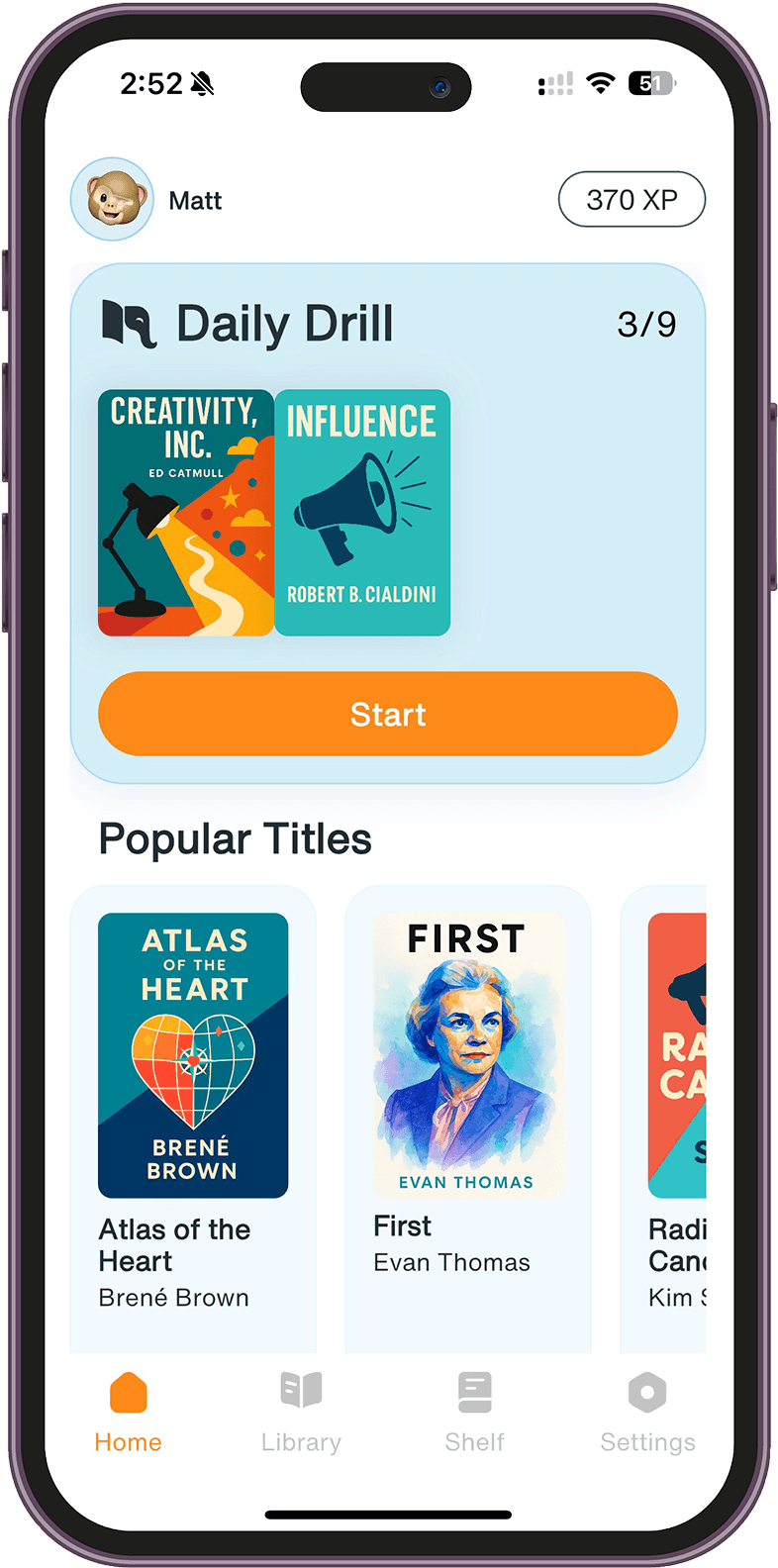
Loxie uses spaced repetition and active recall—the two most scientifically validated learning techniques—to help you retain hybrid leadership concepts permanently. Instead of reading once and hoping something sticks, you practice for 2 minutes a day with questions that resurface ideas right before you'd naturally forget them.
The questions adapt to your memory: concepts you struggle with appear more frequently, while ones you've mastered fade into longer intervals. Over weeks, the frameworks, techniques, and distinctions move from short-term memory into long-term knowledge you can access when making real decisions about your team.
Loxie's free version includes hybrid leadership in its full topic library, so you can start reinforcing these concepts immediately. Two minutes a day is all it takes to transform reading into retention.
Frequently Asked Questions
What is proximity bias in hybrid teams?
Proximity bias is the unconscious tendency to favor employees who are physically present, manifesting in "hallway promotions"—opportunities given through informal office conversations, decisions made after meetings without remote participants, and high-visibility projects assigned to those who are physically seen. Track assignment patterns monthly to identify and correct this bias.
What does remote-first meeting design mean?
Remote-first meeting design means everyone joins from their own device with their own audio, even when multiple people are in the same conference room. This eliminates the "conference room advantage" where co-located participants dominate through body language, side conversations, and natural conversation momentum, giving all participants equal presence.
How do you balance synchronous and asynchronous work in hybrid teams?
Use synchronous work for creative brainstorming, complex problem-solving, and emotional conversations requiring real-time cues. Use asynchronous work for deep analysis, detailed review, and crossing time zones. The "async-first, sync-exception" principle starts work asynchronously and escalates to synchronous only when needed.
What are overlap hours and why do they matter?
Overlap hours are designated windows when all distributed team members commit to synchronous availability, enabling real-time collaboration without requiring 24/7 presence. Teams that successfully maintain overlap hours report 40% fewer escalations and faster decision cycles despite geographic distribution.
How do you build team culture across physical locations?
Build culture through frequent micro-connections rather than sporadic big events. Daily practices like 30-second personal check-ins, "win of the day" shares, and automated coffee chat pairings create more connection than quarterly team events. Five minutes daily beats two hours quarterly for maintaining team cohesion.
How can Loxie help me learn to lead hybrid teams?
Loxie uses spaced repetition and active recall to help you retain hybrid leadership concepts permanently. Instead of reading once and forgetting most of it, you practice for 2 minutes a day with questions that resurface frameworks, techniques, and distinctions right before you'd naturally forget them. Loxie includes hybrid leadership in its full topic library.
Stop forgetting what you learn.
Start learning for good with your 7-day FREE trial.